Pick the tool for the job
These options solve different problems. A session restorer and a visual project workspace should not be judged by the same checklist.
Best for polished, dependable workspaces
tabExtend
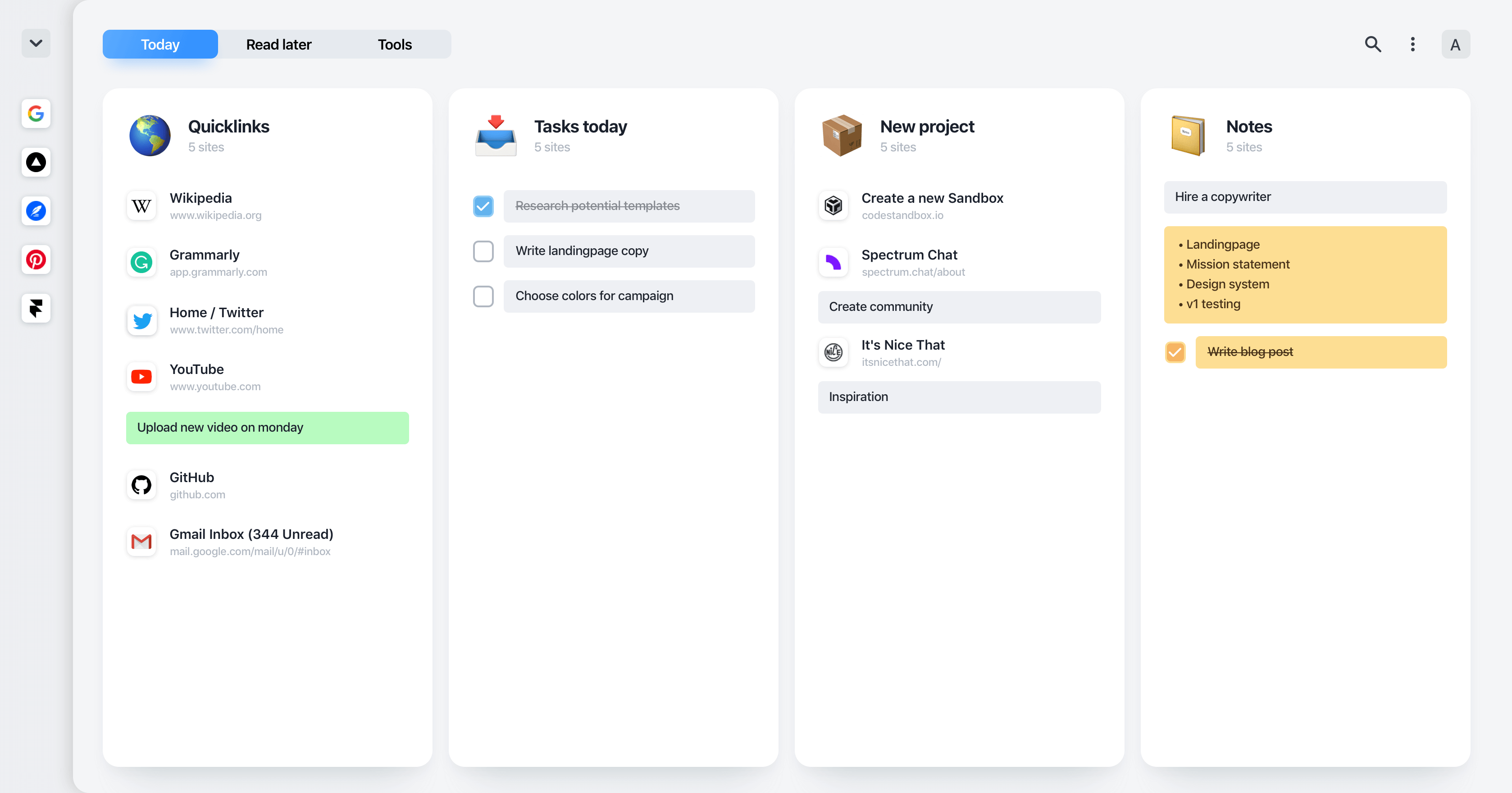
tabExtend combines visual workspaces with notes, to-dos, reminders, and images. Its design and small interactions have been refined through years of use by thousands of people. It is actively maintained, regularly updated, and includes sync plus daily backups for work you need to trust.
Chrome Web Store listingBest for a simple tab stash
OneTab
OneTab turns open tabs into a restorable list and is still maintained, with a Chrome Web Store update in July 2026. Saved lists currently live in the browser’s internal database. Encrypted cloud backup and sync are announced but still marked as coming soon, so regular exports are sensible.
OneTab storage and backup notesBest for structured workspaces
Workona
Workona organizes project tabs into spaces and includes tab autosaving, search, suspension, and restoration. It fits heavier multi-project browser workflows.
Workona documentationBest for visual collections
Toby
Toby puts visual collections of browser sessions and links on the new tab page. It is useful when collecting, sharing, and reopening resources is the main job.
Chrome Web Store listingBest without another extension
Chrome tab groups
Chrome can group, name, save, reopen, and sync related tabs. Start here if you only need basic grouping and do not need richer session history, notes, reminders, or sharing.
Google Chrome helpBest for session recovery
Session Buddy
Session Buddy is actively maintained, with a Chrome Web Store update in April 2026. Collections, history, and settings stay on the device; it supports manual export and backup rather than cross-device sync. Optional anonymous usage statistics can be disabled.
Session Buddy privacy and storage detailsBest for Firefox session portability
Tab Session Manager
Tab Session Manager saves and restores windows and tabs, with automatic backups and sync support across Firefox and Chromium-based browsers.
Firefox Add-ons listingHow to choose a Chrome tab manager
Start with the job you need the extension to do. If tabs are clutter, use a tab stash. If tabs represent projects, use workspaces. If a saved tab also needs a next action, choose a tool that supports notes, tasks, or reminders.
- For tab hoarding, choose a tool that makes closing tabs feel safe.
- For research, look for workspaces, groups, search, and notes.
- For daily focus, use a new tab view that keeps current work visible.
How this guide was checked
We reviewed official product documentation and marketplace listings, then matched each option to common jobs: native grouping, instant cleanup, crash recovery, project workspaces, session restore, and visual workspaces with notes or reminders.
tabExtend publishes this guide. Product claims link to first-party sources. Listings and documentation were last reviewed on September 3, 2026.
Questions people ask
What is the best tab manager extension for Chrome?
For visual workspaces with notes and reminders, tabExtend is a strong fit. OneTab is simpler for a quick tab stash, Session Buddy focuses on session recovery, and Workona is designed around structured workspaces. Chrome tab groups are enough if you only need native grouping.
What is a tab manager extension?
A tab manager extension helps you save, organize, close, restore, and find browser tabs so you can reduce clutter without losing useful pages.
Does tabExtend replace bookmarks?
It can replace many bookmark workflows by saving links into visual groups with notes, reminders, and project context.