
Five Tools for productivity in your Browser
For anyone spending hours working in a browser, the struggle of managing tabs, bookmarks, and daily tasks with efficiency is very real.
Published by tabExtend on
Overloaded browsers slow you down, distractions pile up, and crucial information gets lost in the shuffle.
But there are tools designed to help you organize, focus, and stop wasting your time while working or studying online. Here are Five Tools for productivity in your Browser that can make your time working Online much easier and enjoyable:
1. Tab and Session Managers: Declutter and Focus
Having too many tabs open not only makes you feel overwhelmed, but also your computer. Tab managers solve this by letting you close unnecessary tabs, save them for later, and reopen them very easily.
They allow you to collapse all your open tabs into a single list, where you can save and organize them into categories to check later without losing them.
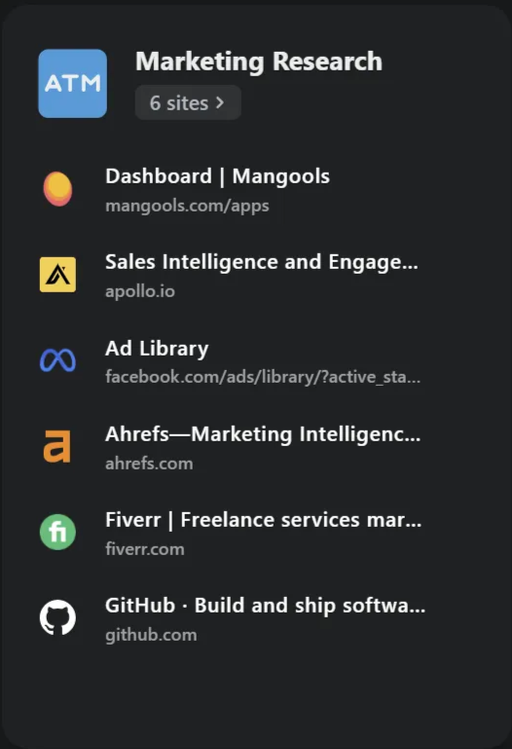
For example, you could create a session for "Marketing Research" or "Personal Finances" and return to it when needed, without reopening each tab individually.
tabExtend includes a tab management system that lets you visually organize and group tabs, making it very easy to find exactly what you were looking for.
2. Tab Suspenders: Keep Your Browser Running Smoothly
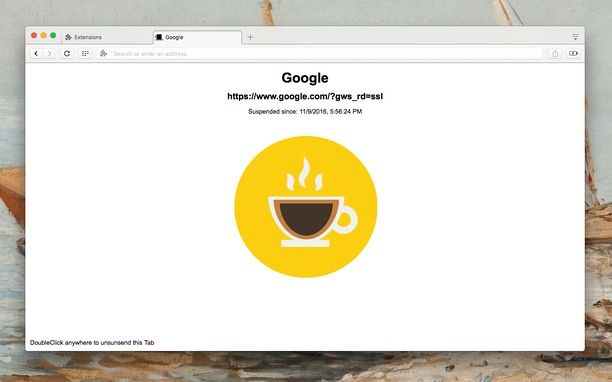
Too many open tabs can slow down your browser and overwhelm your computer's memory. Tab suspenders solve this by temporarily 'freezing' inactive tabs, freeing up resources while keeping some of your tabs accessible.
This means faster browsing, fewer crashes, and the ability to multitask without slowing down your workflow. With tools like Auto Tab Discard, tab suspending is seamlessly integrated, helping you stay productive and organized without needing extra extensions.
For anyone dealing with browser overload, tab suspenders are a simple way to keep things running efficiently.
3. Bookmark Managers: Organize new tabs effortlessly
While session and tab managers focus on tabs within your browser, bookmark managers help you save and organize information for the long term.
They ensure your important resources are always accessible, even after you close your browser. Such as a searchable library of resources, tailored to your needs.
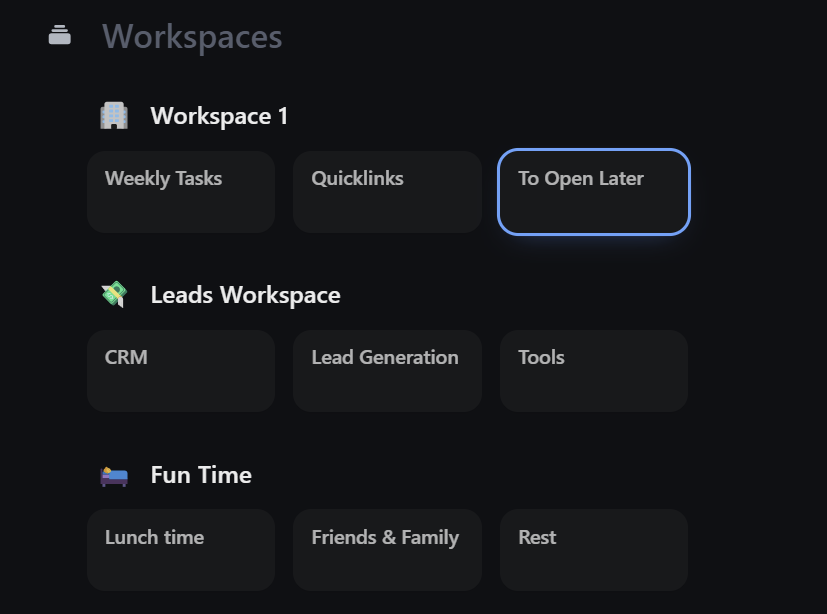
Some tools focus on organization, which categorizes bookmarks into folders and workspaces. Others, focus on visual bookmarking, allowing you to save links with previews or images.
tabExtend incorporates a bookmarking system that not only organizes your links in Groups and Workspaces, but also allows you to add notes and group them by topic for extra context.
4. Task Managers: Save Tabs with Actionable To-Dos
Sometimes, open tabs are placeholders for tasks you need to complete. And most of the time, after one day opened, it's pretty easy to forget what you wanted to do with it.
Instead of keeping them open as reminders, task managers can help you organize and act on those tasks without creating clutter.
They also help prioritize your work, so you can stay on top of what's more important.
tabExtend blends task management with tab organization, allowing you to save tabs with context(notes) and reminders.

5. Personal Knowledge Management (PKM) Tools: Organize More Than Tabs
If you're someone who deals with a lot of information, personal knowledge management (PKM) tools can help you create a system for everything.
Tools like Notion, Roam Research and tabExtend can be great for managing knowledge with searchable notes, tags, and visual linkages between ideas.
Also, creative people who often lose precious ideas for their businesses due to lack of organization definitely benefit a lot from using it.
The ability to organize notes, links, and tasks into structured hierarchies effortlessly without the steep learning curve of more complex tools turns their life way easier.

Conclusion
Improving browser productivity doesn't have to be overwhelming. Whether you're dealing with an overload of tabs, struggling to keep your bookmarks organized, or trying to track tasks and ideas, the right tools can make all the difference.
By integrating tab managers, session managers, bookmark managers, task organizers, and even PKM tools, you can streamline your workflow and focus on what truly matters.
If you're ready to take control of your browser and boost your productivity working online, give tabExtend a try today.
You’ll find everything you need to stay organized, focused, and efficient, without the stress of using multiple tools.