The Team dashboard
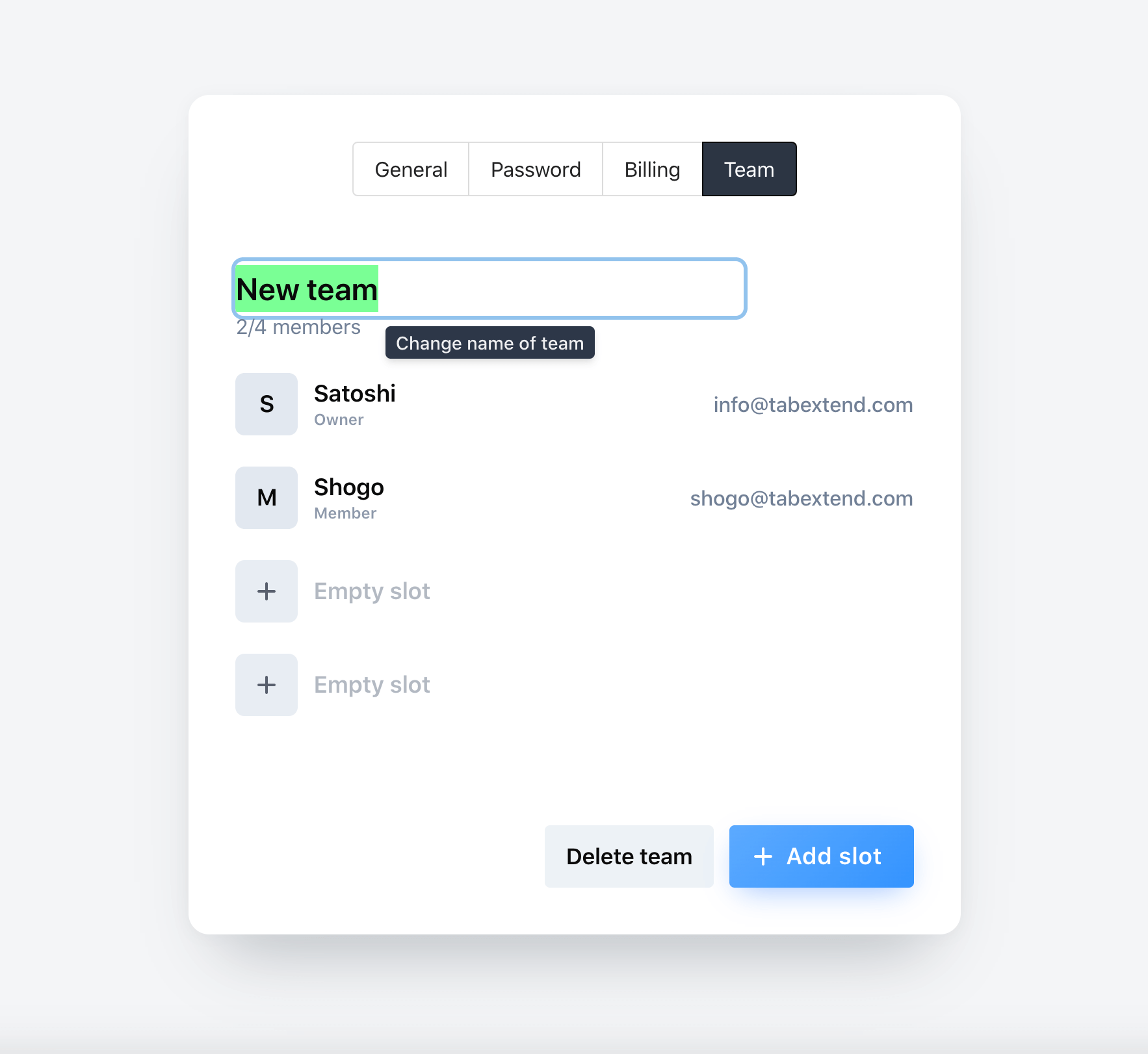
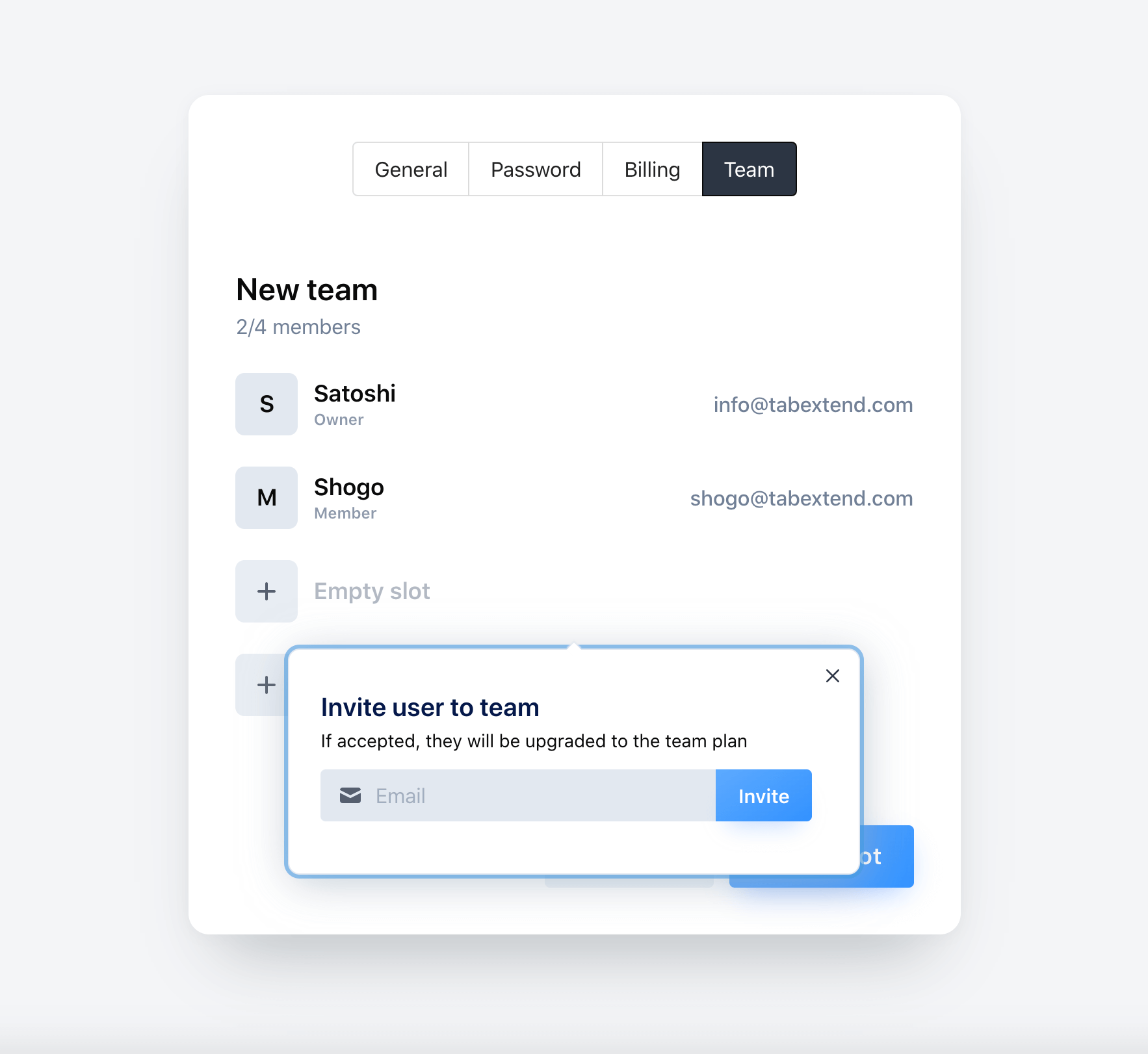
If are on the Pro plan you will gain access to the team dashboard. It can be found by going to settings/team. Start by creating a team and giving it a name. You can then redeem slots for team-members. This will be done by entering a valid code, this in turn gives you the ability to invite team members by email.
Once a member is invited they have to sign in, or sign up(if they have not done so already) into tabExtend web app. A popup will appear with a option to accept or deny the invitation. If they accept they will join your team and be upgraded to the Pro plan as long as they are still on your team.
If you are invited to a team and don't see the popup with the invitation, go to account/overview. If you experience any other issues, please don't hesitate to reach out to the support and we will help out.